Install on Ubuntu 22.04/24.04 VM (VirtualBox, VMware, Hyper-V, or cloud VPS).
# On Ubuntu VM (as root) wget https://github.com/fotsakir/codehero/releases/latest/download/codehero-2.83.5.zip unzip codehero-*.zip && cd codehero && ./setup.sh
Queue your tasks and walk away. This AI runs unattended for hours or even days, working through tickets one by one. Come back to completed features, not prompts.
📱 Control from Your Phone
Full two-way Telegram integration. Get instant alerts, reply to give new instructions, ask questions with "?" for quick status updates. Work from the bus, the coffee shop, or your bed.
Describe → Plan → Build. Tell CodeHero what you want, it creates the plan, project, and tickets. Just wait for working code.
💬
Claude Assistant
Interactive Claude terminal with AI model selection (Opus/Sonnet/Haiku). Popup window support for multi-monitor setups.
👁️
Visual Verification
Claude sees what you see. Takes screenshots with Playwright, analyzes layout and UI issues. No more explaining - just click "See" and Claude sees the problem.
📱
Telegram - Work from Phone
Two-way communication. Get alerts, reply to give instructions, ask questions with "?" - control everything from your phone. Never lose time.
🖥️
Web Terminal
Full Linux terminal in your browser via WebSocket. Real shell access with sudo, 256-color support, popup for multi-monitor.
🔴
Live Preview
See your app update in real-time. Auto-refresh every 15 seconds while Claude works. Watch changes appear as they're made.
🚀
Auto-Update
Stay current effortlessly. Dashboard checks for updates automatically, shows release notes, and installs with one click.
📝
Monaco Editor + LSP
VS Code-quality editing in your browser. Autocomplete, hover docs, go-to-definition, real-time errors. Supports Python, JS/TS, PHP, Java, C#, Kotlin, HTML/CSS.
📚
Git Version Control
Auto-commit when AI completes work. View commit history, diffs, and rollback to any previous state. Smart .gitignore per project type.
Core Features
🤖
True Autonomy
Works unattended for hours or even days. Queue your tasks and walk away. Wake up to completed features, not prompts.
🎫
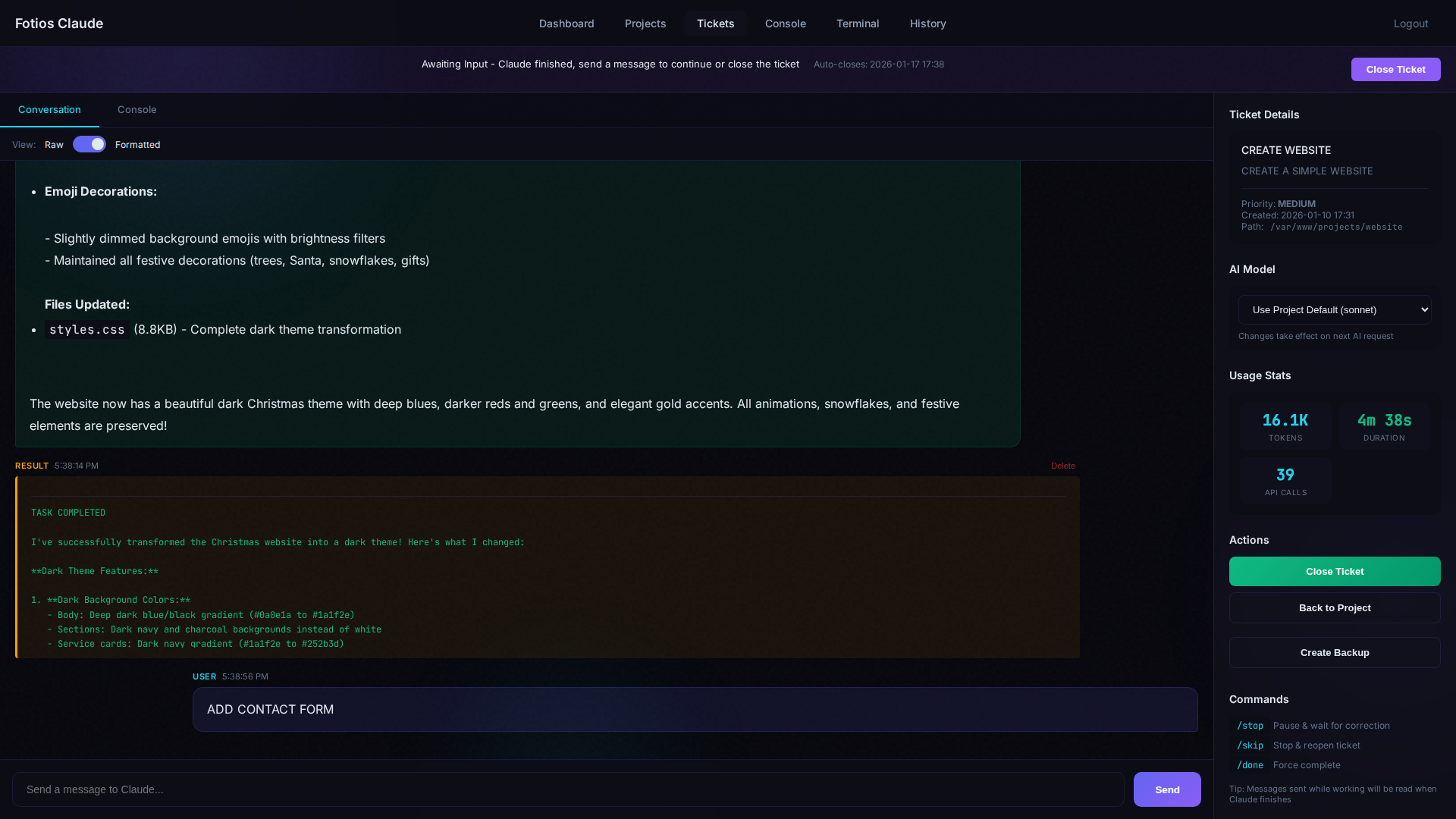
Ticket-Based Workflow
Create tickets describing what you need. The daemon picks them up and delivers working code.
🎤
Voice Input
Speak instead of typing. Voice-to-text in ticket chat, project creation, and ticket descriptions. Auto-stops after 10 seconds of silence.
🔒
Self-Hosted & Private
Your code stays on your server. Complete control over your data and infrastructure.
🔐
Two-Factor Authentication
Optional 2FA with Google Authenticator. Account lockout after failed attempts. Remember device until end of month.
🛡️
ModSecurity WAF
Web Application Firewall with OWASP CRS. Blocks SQL injection, XSS, command injection. ~2,800 rules protecting your apps.
⚡
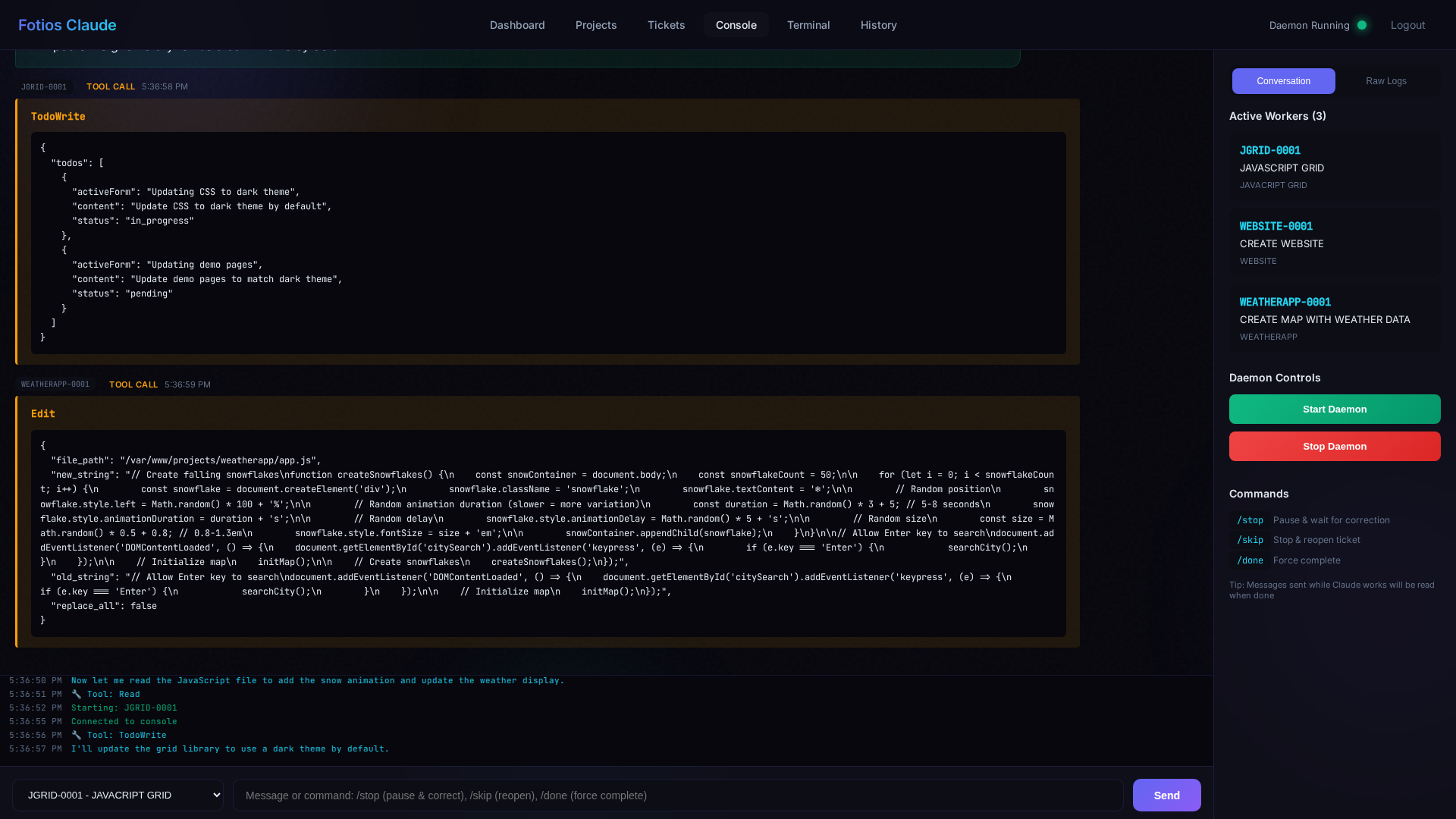
Parallel Execution
Process multiple projects simultaneously. Each project gets its own isolated worker.
👁️
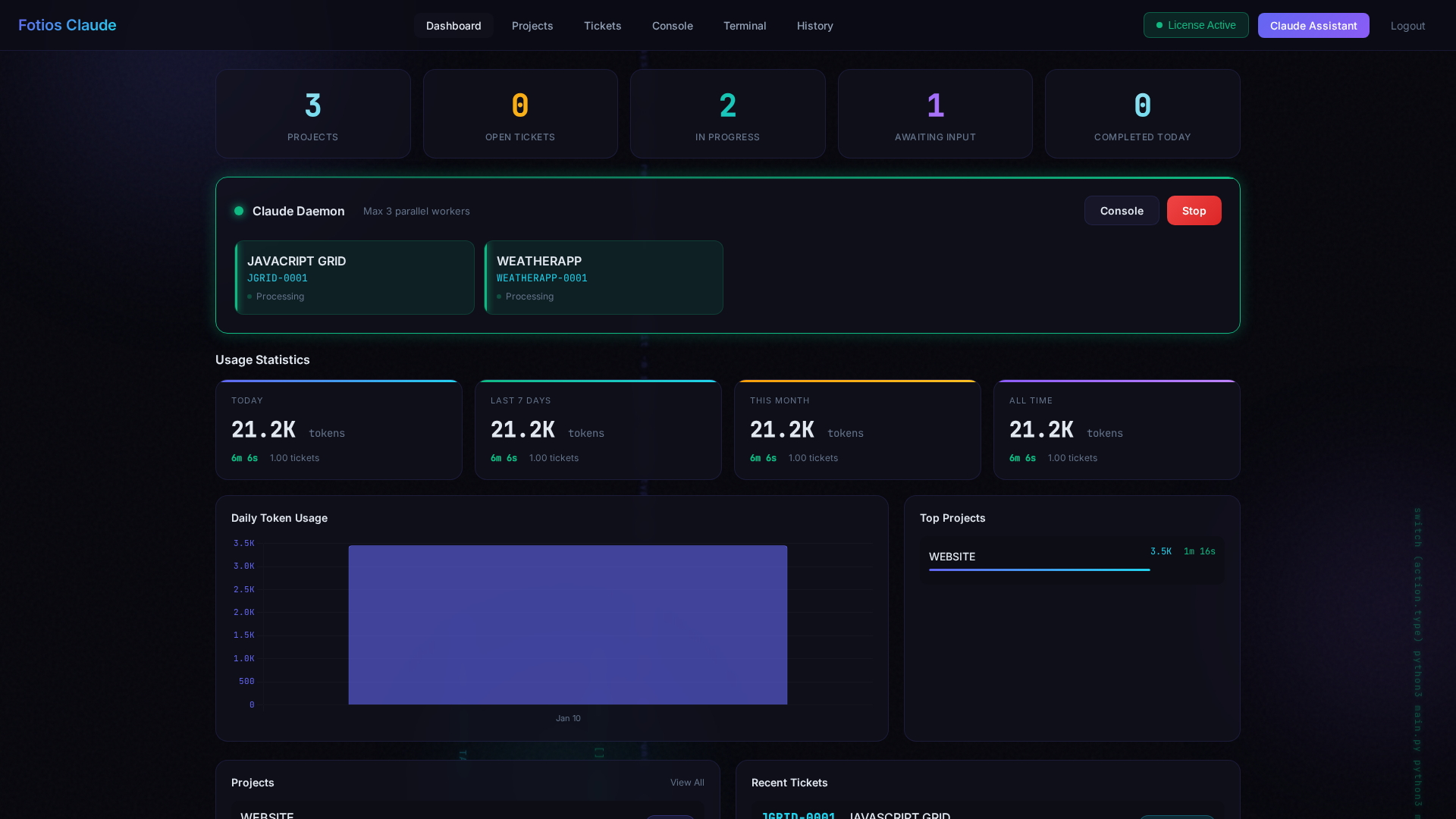
Real-Time Console
Watch Claude write code live in your browser. See every file change as it happens.
🛑
Kill Switch
Instant control while Claude works: click the Stop button or type /stop to pause immediately.
🔐
Execution Modes
Autonomous (full access), Semi-Autonomous (smart sandbox - auto-approves safe ops, asks for risky), or Supervised (asks for all). Set per ticket or project.
⚖️
Strict / Relaxed
Strict: user reviews and closes tickets. Relaxed: AI reviewer auto-closes completed tickets. Perfect for batch work.
💾
Auto Backups
Automatic backups when tickets complete. One-click restore to any point. Files only - database stays intact.
📦
Project Migration
Move projects between servers with all data intact. Export/import with tickets, conversations, and database. Full or Light export options.
🗄️
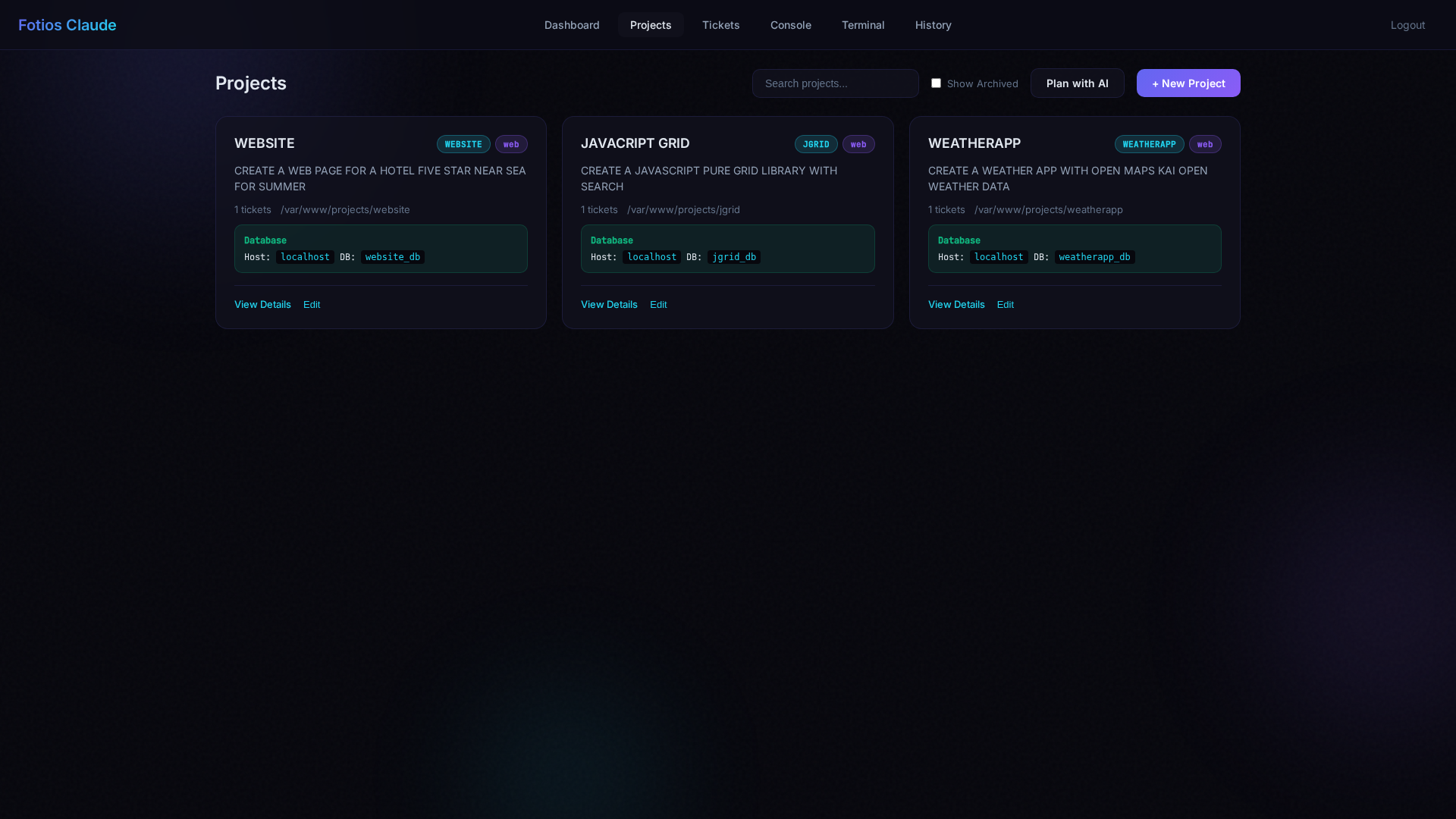
Database Per Project
Each project gets its own MySQL database, automatically provisioned. phpMyAdmin included with auto-login for full database management.
📊
Usage Analytics
Real-time tracking of tokens, API requests, and work duration per project, per ticket, and daily/weekly/monthly summaries.
We believe in autonomous AI systems that work independently to solve complex problems —
whether it's optimizing delivery routes or writing production code.